Upload photos
Start with clear photos from the front and side. Add a few habit notes if you want.
Your AI-generated desktop pet
Generate your pet for free with the Sleep plan. See if it feels right, then unlock the full motion set with Full.
How it works
You should not have to trust the idea blindly. Review the preview first, then decide whether it feels like your pet.
Start with clear photos from the front and side. Add a few habit notes if you want.
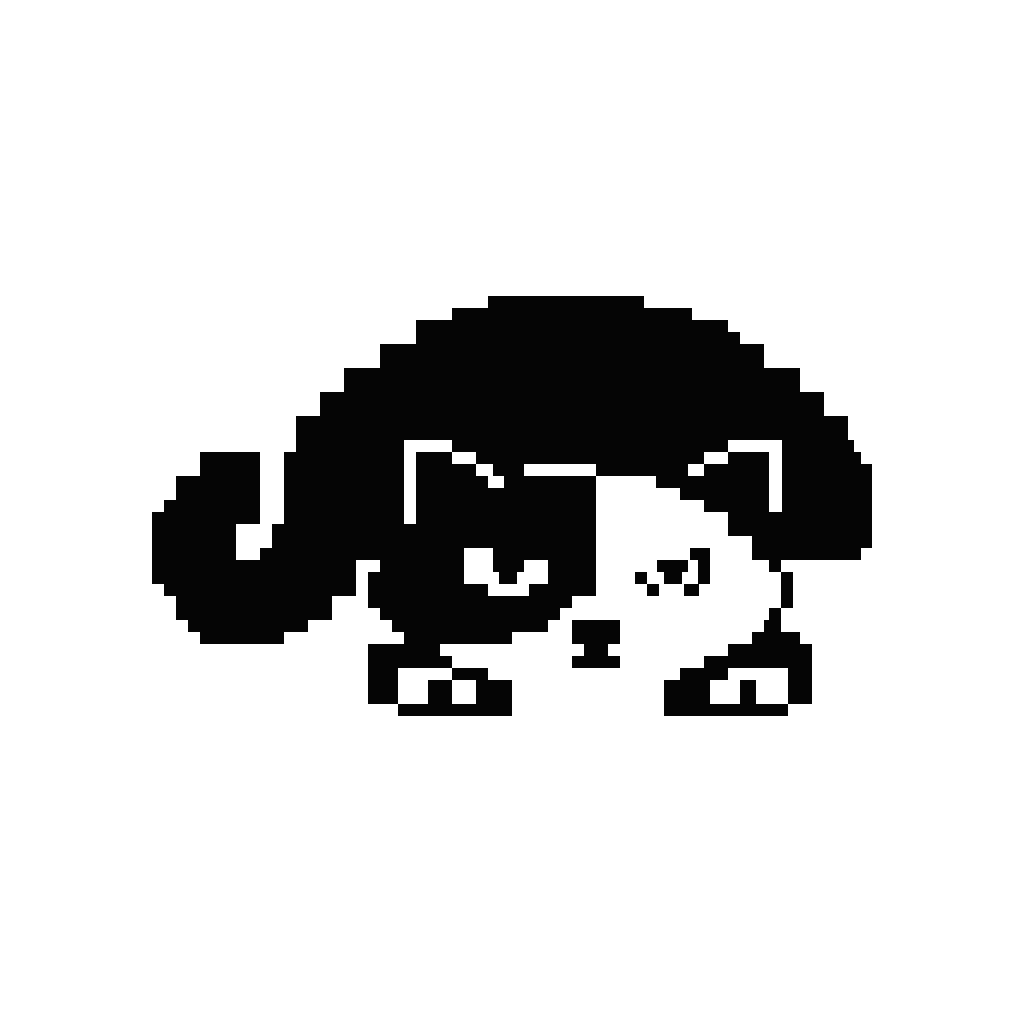
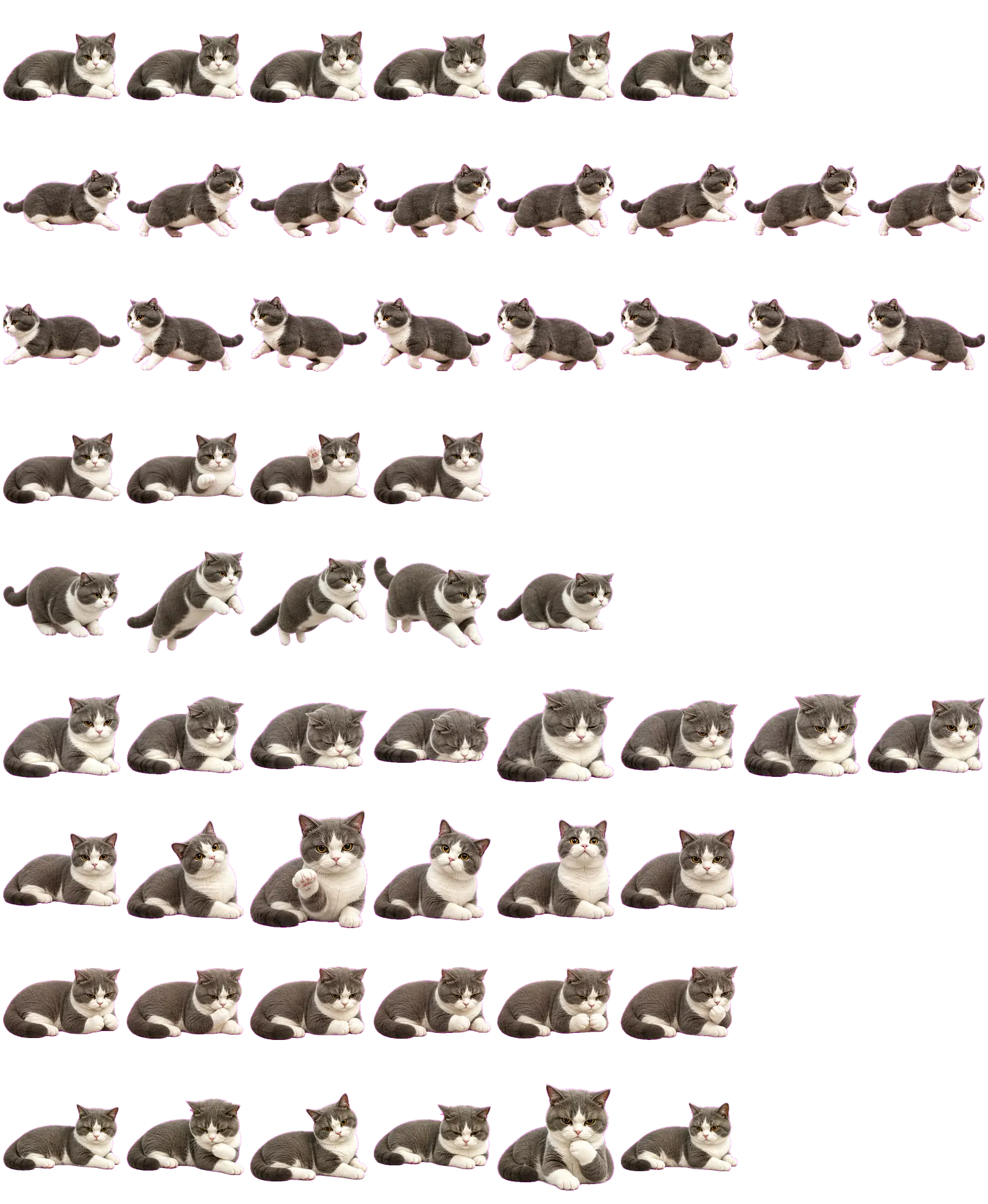
Sixxie creates a calm 2D preview with simple motions like walking, sitting, sleeping, and looking around.
If the preview feels right, keep your desktop companion and follow the installation guide.
Public samples
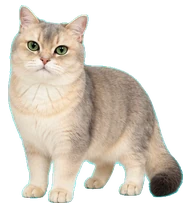
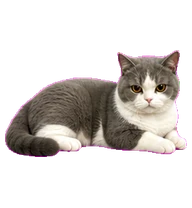
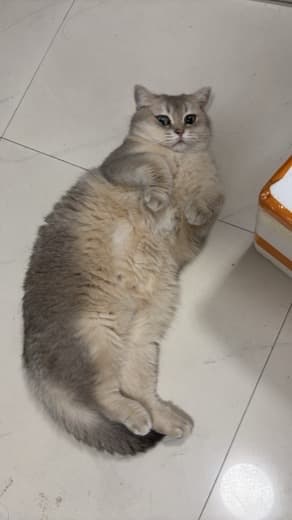
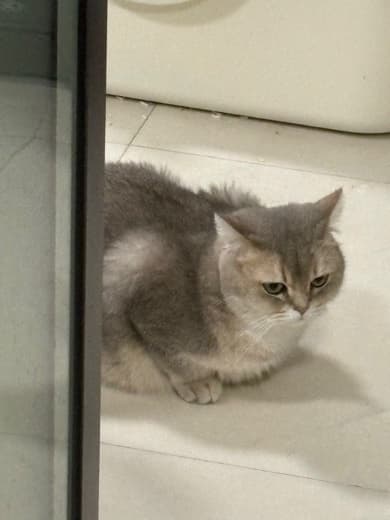
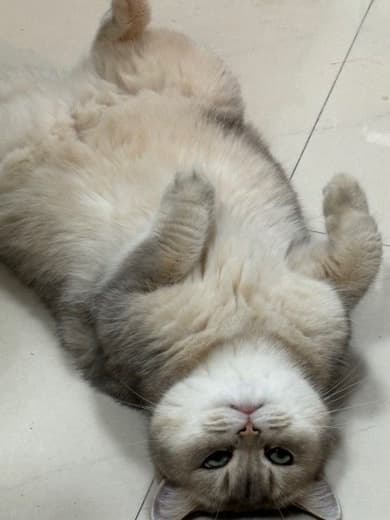
Each sample starts with a few input photos, then shows the generated 2D pet and the desktop-ready result.
Real-photo comparison
The generated pet keeps the compact body shape, gray-and-white coat, face proportion, and quiet posture from the source photos.
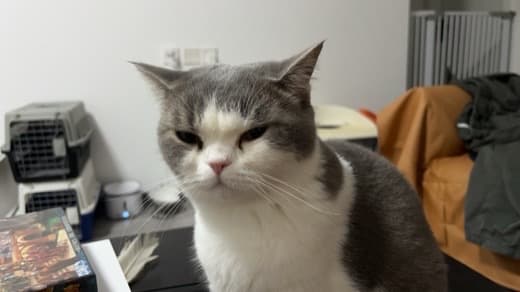
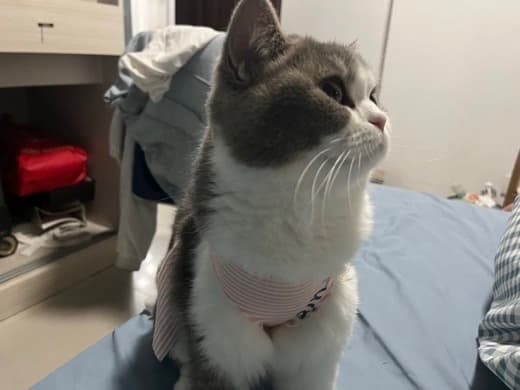
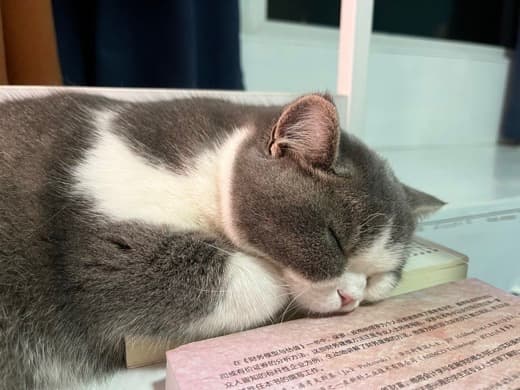
Real-photo comparison
The generated pet keeps the light coat, round face, standing posture, and full tail so the desktop version remains recognizable.
Privacy pledge
Sixxie uses your photos to create and review your desktop pet preview. Detailed data handling lives on the Privacy page.
Read the privacy pledgeYour pet photos are used for your own preview, not public galleries or surprise sharing.
The desktop companion does not require screen recording or microphone permissions.
You can remove uploaded photos, generated pet files, and account data from settings.
Create your desktop companion
Generate your pet on the free Sleep plan, review the result, then choose Full for the complete motion set.
Start free